Rescue and water
Quick Rescue, Water Eject, and Wet Phone Guide. Short guided flows, local sound patterns, and practical steps after water contact. No repair guarantee or automatic diagnosis. Results may vary.
You start and assess each test. DeviceAid helps you inspect in a structured way; it does not provide automatic or certified diagnosis.
Quick Rescue, Water Eject, and Wet Phone Guide. Short guided flows, local sound patterns, and practical steps after water contact. No repair guarantee or automatic diagnosis. Results may vary.
Speaker Test and Microphone Test. Short tones or a local recording for your own listening assessment. You assess the result. DeviceAid does not perform an acoustic diagnosis.
Dead Pixel Test, Display Artifact Test, and Screen Light. Solid colours, patterns, and a local light surface for manual visual checks. No automatic pixel detection and no claim about invisible internal damage.
Touch Grid Test, Multitouch Test, and Haptic Test. Check touched areas, simultaneous touches, and short haptic patterns yourself. No automatic hardware or Taptic Engine diagnosis.
Tilt, rotation, and level. Local Core Motion queries start only after your action and provide neutral feedback. Raw sensor data is not stored; the app does not declare a sensor defective.
Used Phone Check. A guided checklist combining the available speaker, microphone, display, touch, and haptic tests. No purchase certificate, automatic condition score, or substitute for professional inspection.
Quick Clean, Standard Clean, and Deep Clean play local sound patterns that may help move water from the speaker area. Results vary. Do not intentionally wet the device, disconnect Bluetooth headphones, stop if sound is uncomfortable, and do not charge when liquid in the connector is suspected. Wet Phone Guide explains useful and unsafe steps, does not recommend rice, and does not replace repair service.
Low Tone, Mid Tone, High Tone, Voice-like Tone, and Crackle Check are short listening samples for your own assessment. Microphone Test records briefly on the device and plays it back. There is no automatic acoustic diagnosis.
Solid colours and full-screen patterns support manual visual inspection. Screen Light offers White, Warm, Red, and Blue Light in dark settings and does not claim to replace a real flashlight. Temporary brightness changes are restored on exit.
Touch Grid shows touched areas and progress. Multitouch shows current and maximum touches without guaranteeing one finger count for every model. Haptic patterns such as Selection, Light, Medium, Heavy, Soft, Rigid, Success, Warning, and Error play individually or in short sequences. DeviceAid does not change global vibration strength.
Tilt, rotation, and level use Core Motion only after user action. Queries stop on exit or in the background. The app retains no raw sensor data and provides neutral feedback instead of defect claims.
Quick Rescue connects current tools in short problem-led flows. Used Phone Check guides speaker, microphone, dead-pixel, touch-grid, multitouch, haptic, and optional screen-light checks. It creates neither a purchase certificate nor a guarantee that a device has no defects.
No repair promise
Visible or audible issues may justify further inspection. An unremarkable result cannot rule out internal damage.
These are current English app captures with no personal content.
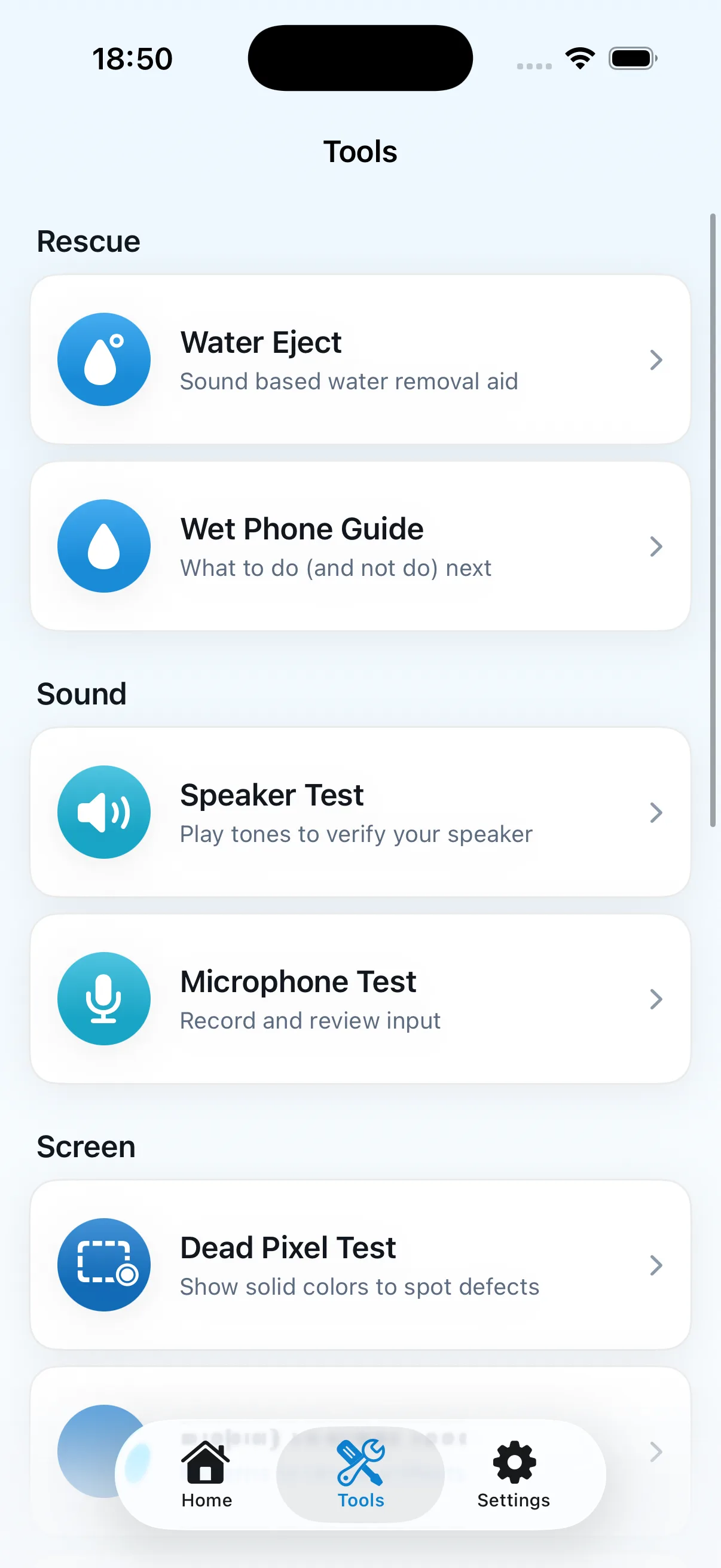
The tools list separates water guidance, sound playback, recording, and display checks.
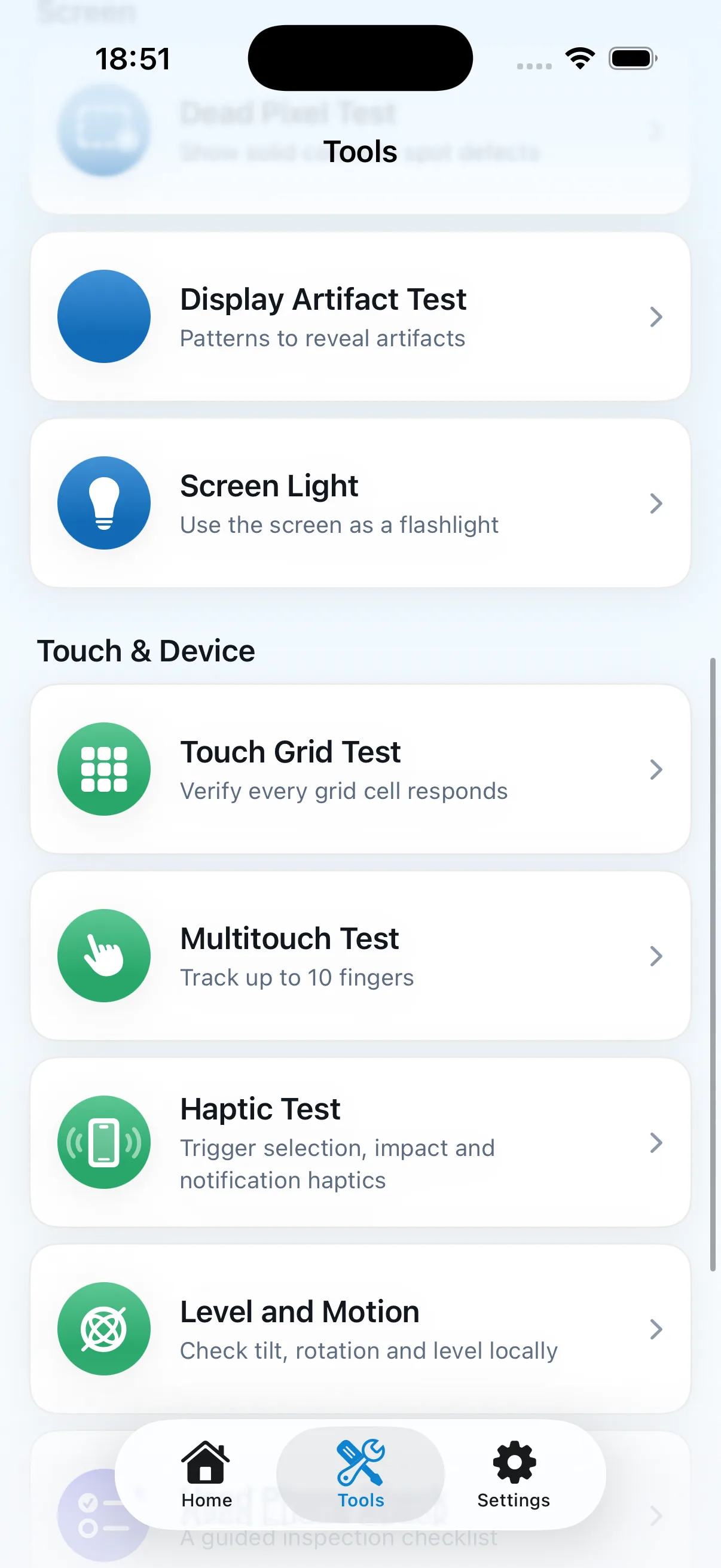
Manual visual, touch, haptic, tilt, rotation, and level checks remain clearly separated.
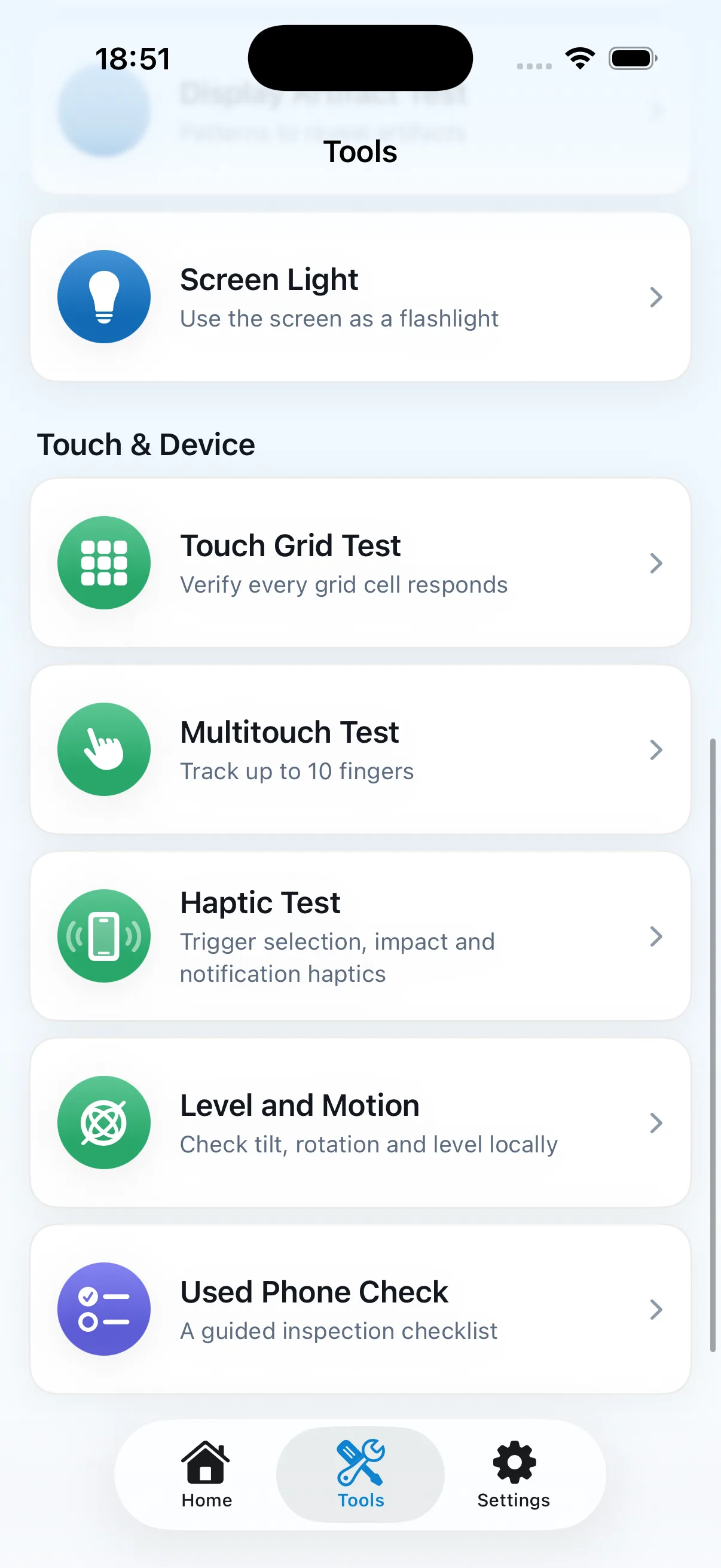
The checklist combines current manual tools without creating a condition certificate.
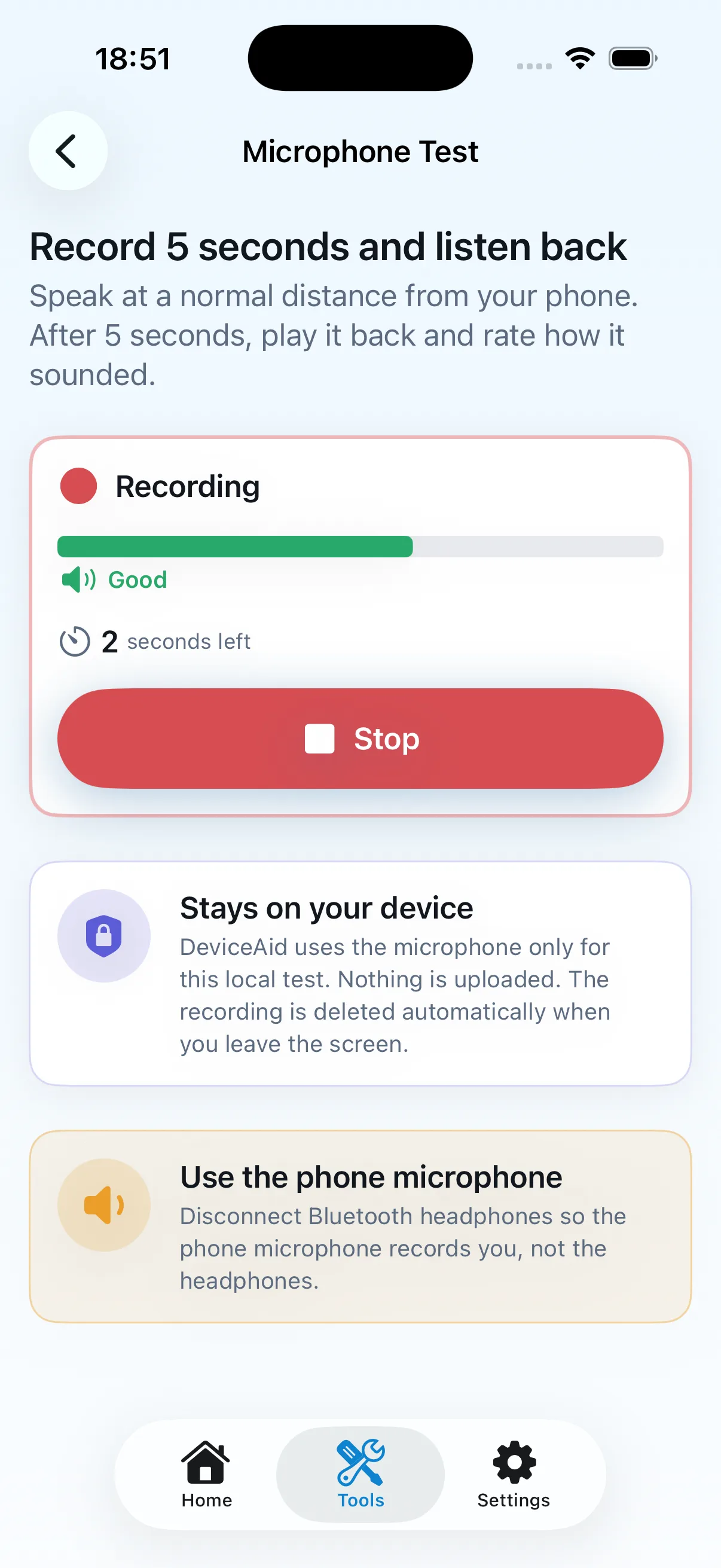
The temporary recording supports a local listening check and is removed when the screen is left.
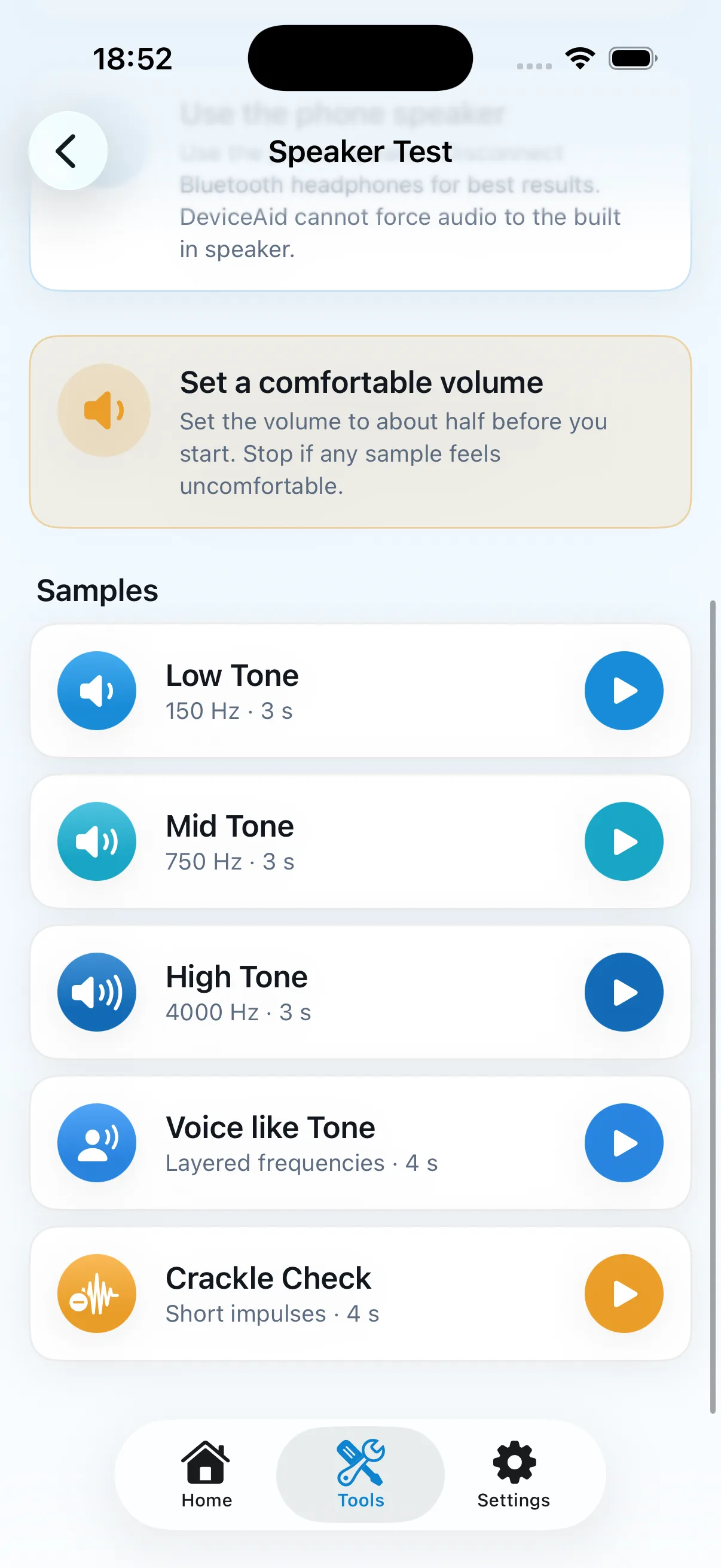
You listen to each sample at a comfortable volume and assess it yourself.
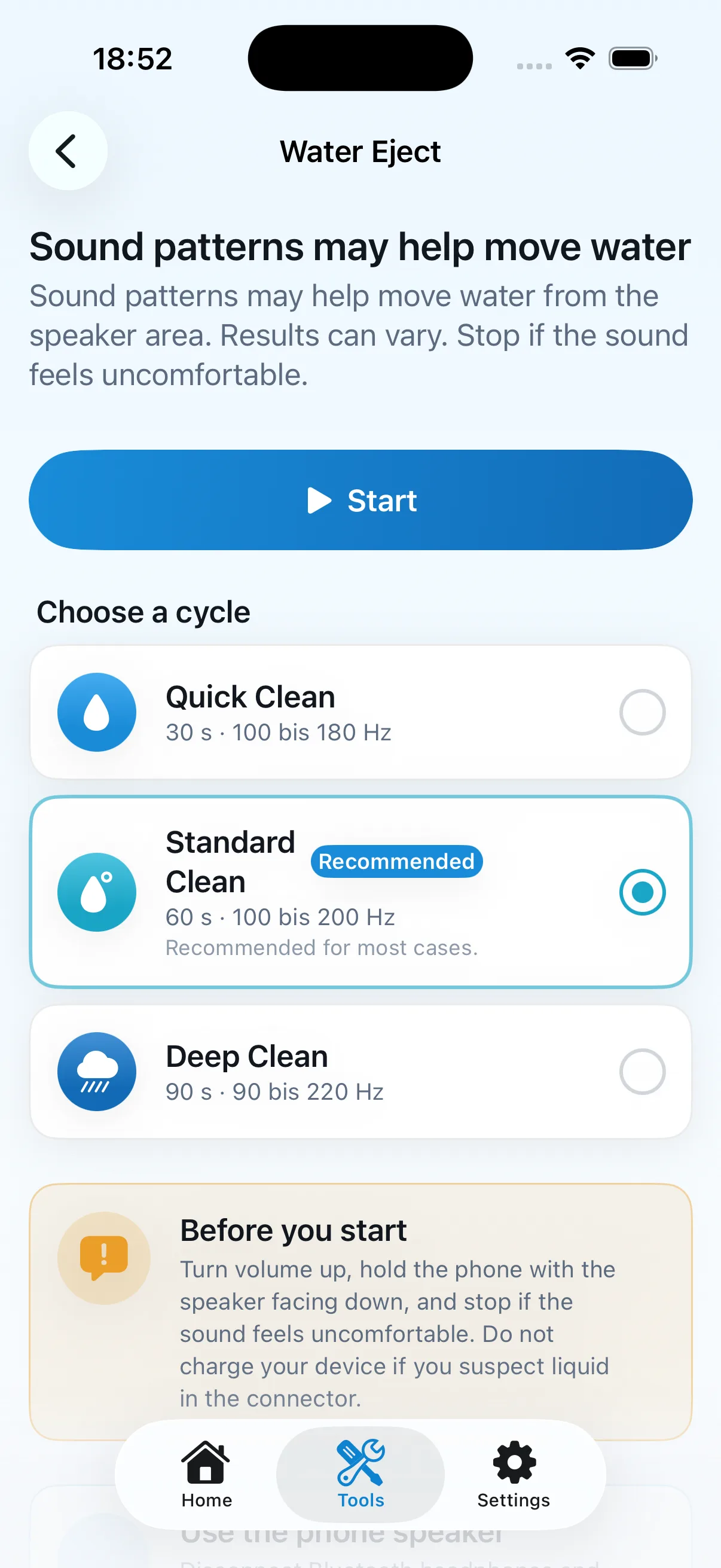
Results can vary; the screen tells users to stop if sound is uncomfortable and not to charge a wet connector.
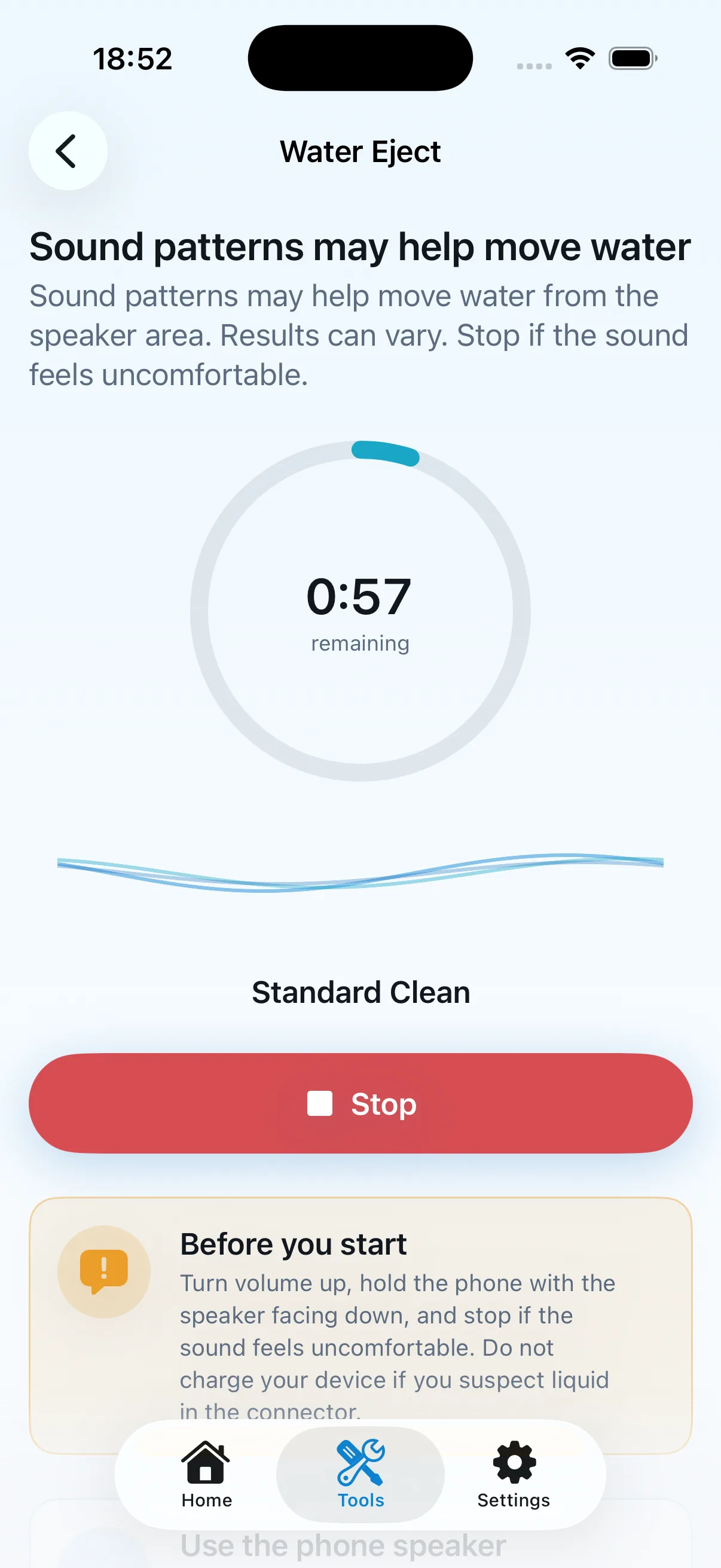
The running sound cycle has a prominent stop control and repeats the safety guidance.
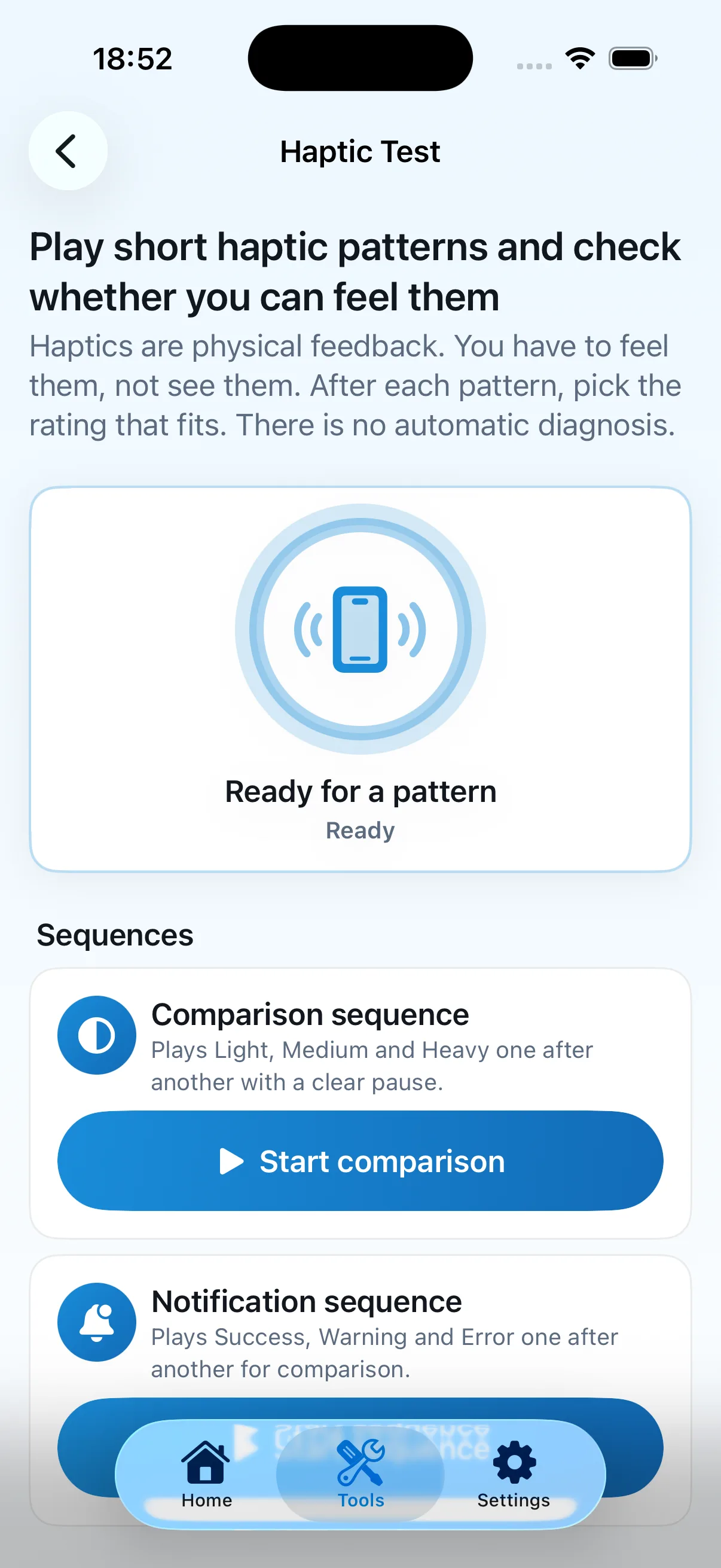
The user starts a sequence and rates physical feedback rather than receiving an automatic result.
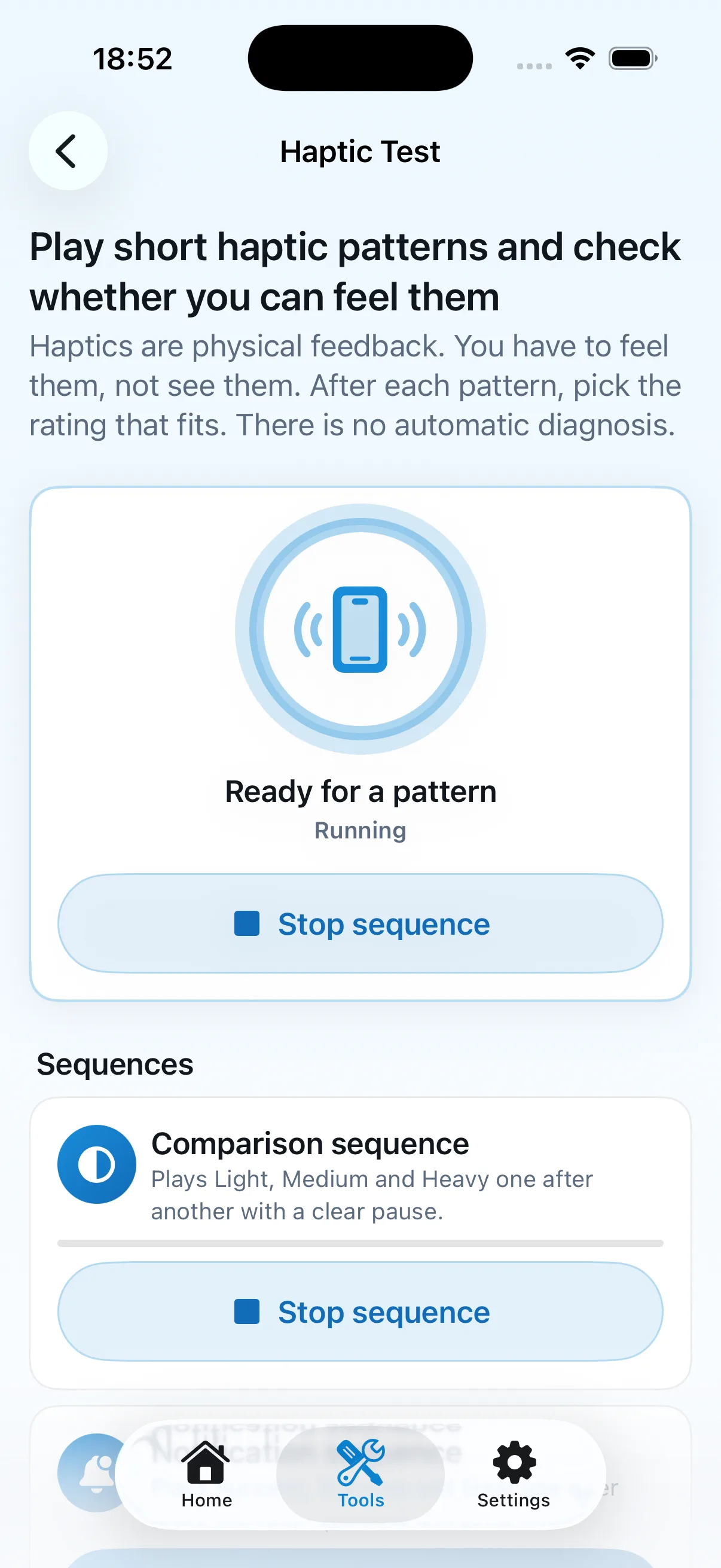
Comparison patterns are short and remain under direct user control.